
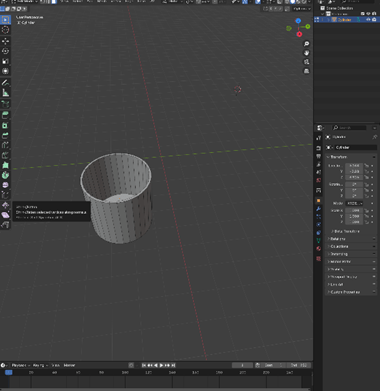
I added a cylinder to be the container and extruded the face on top downwards to make the shape.
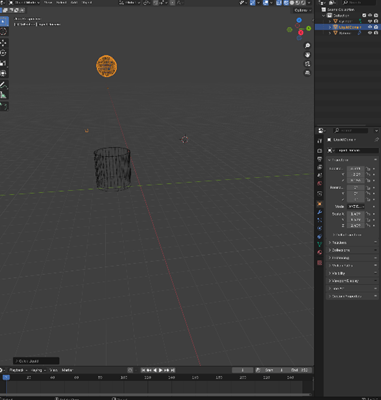
I then clicked shift A and added a sphere above and lined it up with the container. Then changed the sphere to liquid with the add tab in the top left
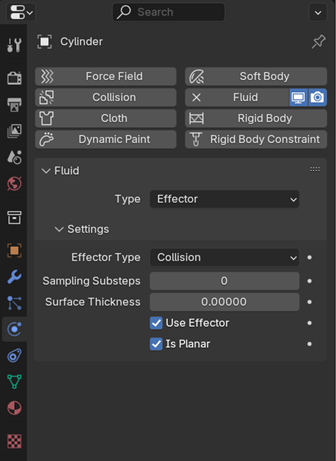
Then selected the glass and went to the physics tap, selected fluid then effector and ticked the box that said is planar so the object (the cylinder) will be an unclosed mesh.
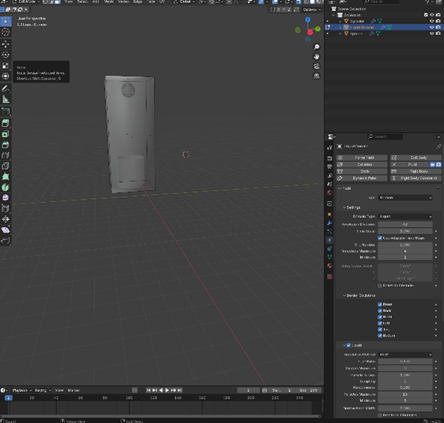
I then switched to edit mode and adjusted the scale and area of the liquid domain so all the objects in the scene fit inside.
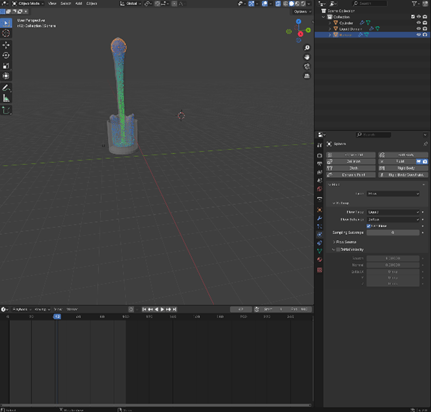
I selected the sphere, then changed the resolution division to 50 instead of 32, any higher may crash the pc. Then changed the frame to end at 100 instead of 250.then changed the flow behaviour from geometry to inflow and made sure the flow type was liquid since that is what I am trying to animate.
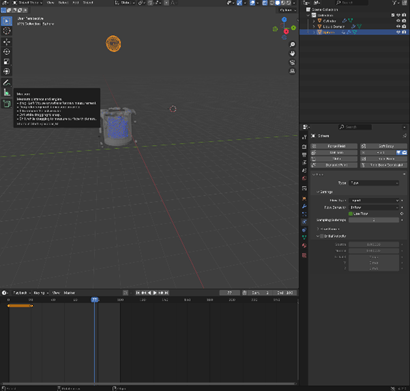
To change the flow from continuing for 100 frames I added a keyframe at the beginning and at frame 20 with use flow selected then on the frame straight after I enabled it so the flow would stop
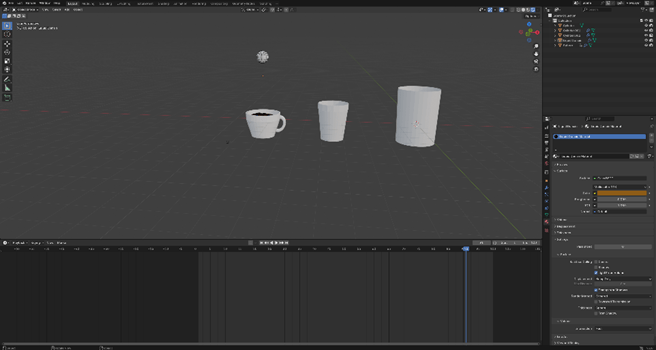
I used my noted to add liquid to the mug I made earlier, this one was a little bit more difficult to do because of the shape but I managed to make the flow of the liquid fill up the container anyway.
www- I was able to add a liquid effect
ebi- I managed to texture the mug I made
 PORTFOLIO